Quick Summary
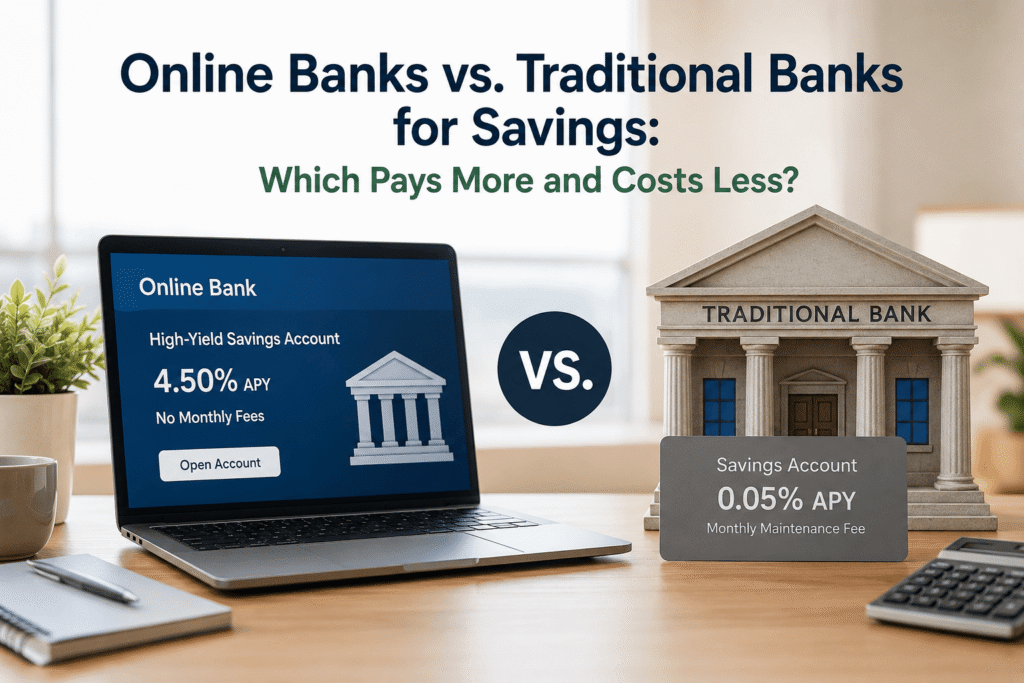
Online banks pay 10x to 50x more interest than most traditional banks in 2026
Both online and traditional banks are FDIC-insured up to $250,000 — your money is equally safe
Online banks win on rates, fees, and digital tools
Traditional banks win on cash deposits, branch access, and in-person service
You can and probably should use both for different purposes
Switching your savings to an online bank is easier than you think — takes 10 minutes
The biggest risk of NOT switching? Losing thousands in interest over time
Why the Bank You Choose Matters as Much as the Account Type
Let’s be honest for a second.
Most of us picked our savings account the same way we picked our first email address — out of convenience, probably in our late teens or early twenties, and we’ve barely thought about it since. Chase was everywhere. Bank of America was in the strip mall near your parents’ house. You opened an account, got a free gift or waived fee for three months, and never looked back.
And for checking accounts? That setup actually makes a lot of sense. You want a branch nearby, a big ATM network, easy bill pay, Zelle access — the works.
But savings accounts are a different story.
Your savings account doesn’t need to be at the same bank where you do your day-to-day banking. In fact, keeping your savings money at a big national bank might be one of the most expensive non-decisions you’re making right now.
The Real Cost of Staying Put
If you have $20,000 sitting in a Chase savings account earning 0.01% APY, you’re making $2 a year in interest. That same $20,000 at an online bank offering 4.75% APY would earn $950. That’s a $948 difference — just from choosing where to park the money. Same government protection. Wildly different results.
What Is an Online Bank? (And How It Differs from a Traditional Bank)
An online bank (sometimes called a digital-only bank or neobank) operates entirely through an app or website. There are no physical branch locations. You manage everything digitally: opening accounts, moving money, checking balances, contacting support.
Some of the most well-known names in this space include:
Ally Bank — one of the originals, been around since 2009, consistently high-rated
Marcus by Goldman Sachs — yes, that Goldman Sachs, offering consumer savings products
SoFi — offers banking alongside investing and loans, popular with younger professionals
Discover Bank — yes, the credit card company also does banking, and does it well
American Express High Yield Savings — another household name making a play for your savings
So Why Do Online Banks Pay More?
This comes down to overhead costs. A traditional bank with 5,000 branches has to pay for all those buildings, employees, signage, parking lots, and security guards. Those operating costs are enormous. An online bank doesn’t have any of that. Their costs are primarily tech-related: servers, app development, remote customer service teams. That cost savings gets passed on to customers in the form of higher interest rates and fewer fees. It’s not charity — it’s business math.
Interest Rates: The Biggest Difference That Matters for Savers
There’s no dancing around it — the interest rate gap between online and traditional banks is genuinely shocking when you see it laid out.
What Traditional Banks Are Paying in 2026
The national average savings account rate is sitting around 0.45% APY as of mid-2026 (per FDIC data). But that average is dragged up by online banks. Look at what big national banks are actually offering:
What Online Banks Are Paying in 2026
What That Difference Actually Means in Dollars
Here’s a real-world breakdown. Same balance, same time period, just different institutions:
Fees: Where Online Banks Consistently Win
Interest rates get all the headlines, but fees are quietly robbing millions of Americans every year. Monthly maintenance fees, minimum balance fees, paper statement fees — traditional banks have a lot of creative ways to chip away at your savings.
Traditional Bank Fees
Monthly fees: $4–$25/mo
Min. balance: $300–$1,500+
Excess withdrawal: $5–$15
Paper statement: $2–$5/mo
Wire transfers: $15–$30
Online Bank Fees
Monthly fees: $0 — almost universally
Min. balance: Often none or $1–$10
Withdrawal fees: Some may apply
No paper statement fees
Wires: Often free or much lower
Real talk: if you’re paying a $12/month maintenance fee at a traditional bank on an account earning 0.01% APY, you’re losing $144 a year just to keep your money there. Online banks cut that friction entirely.
Safety and FDIC Insurance: Are Both Types of Banks Equally Safe?
This is the question that keeps a lot of people from making the switch. And honestly? It’s a completely fair thing to wonder.
Here’s the short answer: yes, both are equally safe — as long as you’re choosing an FDIC-insured online bank, which the reputable ones all are.
How FDIC Insurance Works
The Federal Deposit Insurance Corporation (FDIC) guarantees deposits up to $250,000 per depositor, per institution, per account category. This coverage applies whether your bank is a physical branch on Main Street or a server farm in North Carolina. When you see “FDIC insured” on an online bank’s website, that means the U.S. government is backing your deposits just as it would at Chase or Wells Fargo.
How to Verify FDIC Insurance
Go to BankFind Suite at banks.data.fdic.gov and search for the institution’s name. If it’s listed there, your deposits are federally insured. Do this for any new bank — online or traditional — before you open an account.
What About Online Bank Failures?
Banks can and do fail — it happened with SVB in 2023. But the FDIC stepped in immediately and made depositors whole. If you’re under the $250,000 coverage limit, a bank failure doesn’t mean you lose your money. Your deposits get transferred to another insured institution, usually within a few days. If you have more than $250,000 in savings, spread it across multiple institutions to stay within insured limits.
Access and Convenience: Branches, ATMs, and Cash Deposits
Here’s where traditional banks genuinely have an edge — and it’s worth being honest about it.
ATM Access
Online banks typically reimburse ATM fees (many reimburse up to $10–$20 per month). Ally Bank, for example, reimburses all domestic ATM fees. So while you can’t walk up to a dedicated branded ATM, you can usually use any ATM without penalty.
Cash Deposits
This is the real limitation of online banking. If you regularly deal with cash — tips, side gig income, cash gifts — online banks make this genuinely inconvenient. Your options are usually:
Buy a money order and mail it in (slow, annoying)
Deposit at a partner location (some online banks partner with Green Dot or retail chains)
Transfer from a traditional bank account that accepted the cash first
If you deposit cash frequently, you probably want to keep a traditional bank account for that purpose and move surplus savings to an online bank — exactly the hybrid approach we’ll cover below.
Physical Branch Access
If you’ve ever needed to get a cashier’s check, deal with a complicated wire transfer, notarize a document, or sit down with a banker to discuss a loan — physical branches matter. Online banks don’t offer this. For most everyday savings tasks, chat and phone support handles things without any drama. But knowing this ahead of time lets you plan accordingly.
Mobile Banking and Digital Tools: Closer Than You’d Think
Where Online Banks Shine Digitally
Intuitive, modern apps designed from the ground up for mobile
Instant balance notifications and spending alerts
Goal-based savings buckets (Ally lets you create multiple “buckets” within one account)
Round-up features, automatic savings tools, and rate bump options
Faster ACH transfers (some online banks offer next-day or same-day transfers)
Where Traditional Banks Have Caught Up
Most major banks now have solid, functional apps
Zelle integration (often directly built-in at traditional banks)
Bill pay, check deposit, and card freeze features are now standard
Customer Service: The Honest Trade-Off
Let’s not sugarcoat this one. Online bank customer service is not the same as walking into a branch and talking to a person face-to-face.
Online Bank Support
Phone support: available, wait times vary
Chat: usually strong, often 24/7
Email: 1–3 business days
In-person: does not exist
Traditional Bank Support
Branch visits during business hours
Phone: often long hold times too
24/7 digital now standard
In-person for complex issues: genuine advantage
Online Bank vs. Traditional Bank: Side-by-Side Comparison
The Hybrid Approach: Using Both Types of Banks Together
Here’s the strategy that most financial folks don’t talk about enough: you don’t have to choose one or the other.
In fact, the setup that works best for most Americans in 2026 looks something like this:
Real Example: Sarah’s Two-Bank System
Sarah is 34, lives in Phoenix, and has been with Bank of America since college. She has $18,000 in a BofA savings account earning 0.01% APY.
She opens a Marcus account (no minimum balance, 4.75% APY) and moves $15,000 there while keeping $3,000 at BofA for quick-access liquidity.
BofA earns
$0.30
per year
Marcus earns
$712.50
per year
She doesn’t close BofA — she uses it for her paycheck, bill pay, and the occasional ATM. But her savings are now working for her. Total effort to set this up: about 20 minutes.
How to Switch Your Savings to an Online Bank (Without Stress)
This is easier than most people expect. Here’s the exact process, step by step:
1
Compare current online bank rates
Visit sites like Bankrate, NerdWallet, or DepositAccounts. Focus on well-established names (Ally, Marcus, SoFi, Discover, AMEX) and verify each one is FDIC insured. Always check the bank’s website directly before deciding.
2
Gather what you need to apply
Your Social Security number, a government-issued ID (driver’s license or passport), your current bank’s routing and account number, and an email address. That’s it.
3
Apply online — takes about 10 minutes
Fill in your personal info, answer some identity verification questions, and agree to the account terms. Most accounts are approved instantly.
4
Link your existing bank account
The online bank will initiate two small test deposits (like $0.12 and $0.34) that you’ll confirm within 1–2 business days. This verifies the connection.
5
Fund your new account
Transfer money from your traditional bank in one lump sum or smaller chunks. Many people keep 3–6 months of expenses in the online account as their emergency fund.
6
Keep your traditional bank open (at least initially)
Don’t close your old account right away. If you have automatic transfers, bill pay setups, or direct deposit tied to that account, give yourself time to migrate those over.
7
Automate your savings
Set up a recurring automatic transfer from your checking account to your new high-yield savings — even $100 or $200 a month. Most online banks make this dead simple to configure. This is how savers actually build their balance over time.
Pro Tip
If you’re nervous about moving a large sum at once, start with just $1,000–$2,000. Use the account for a month, get comfortable with how transfers work and how the app feels, then move a bigger chunk. There’s no rule that says you have to move everything at once.
Frequently Asked Questions
Final Thoughts: Stop Leaving Money on the Table
If there’s one thing to take away from all of this, it’s that the gap between online and traditional bank savings rates isn’t a tiny, marginal difference. It’s a chasm — and in 2026, that gap translates to real dollars that either end up in your account or don’t.
You worked hard to save that money. It deserves to work hard for you.
The good news is you don’t have to make some dramatic all-or-nothing choice. The smartest approach for most people is the hybrid model: keep your traditional bank for day-to-day convenience and cash deposits, and move your real savings to a high-yield online account where it can actually earn something meaningful.
Ten minutes of your time. A $100 minimum deposit in many cases. And potentially hundreds or thousands of dollars in interest you’d otherwise never see.
Quick Recap: What to Do Next
1
Compare current online bank savings rates at Bankrate or NerdWallet
2
Verify FDIC insurance status before opening any account
3
Apply online — it takes about 10–15 minutes
4
Transfer your savings balance (or start with a portion)
5
Set up automatic monthly transfers to build your balance
6
Keep your traditional bank open for checking and cash needs
No matter which bank type you choose, it helps to know what types of savings accounts each institution offers — from High-Yield Savings to Money Market Accounts to CDs — so you can match the account to your goal, not just the institution.
Related Reading on FinanceNavigatorPro
Disclaimer: Interest rates mentioned in this article are approximate and based on publicly available information as of mid-2026. Rates are variable and subject to change. Always verify current rates directly on each institution’s website. This content is for informational purposes only and does not constitute financial advice.